Buying Guide
Chartplotter Buying Guide: Screen Size, Charts and Networking
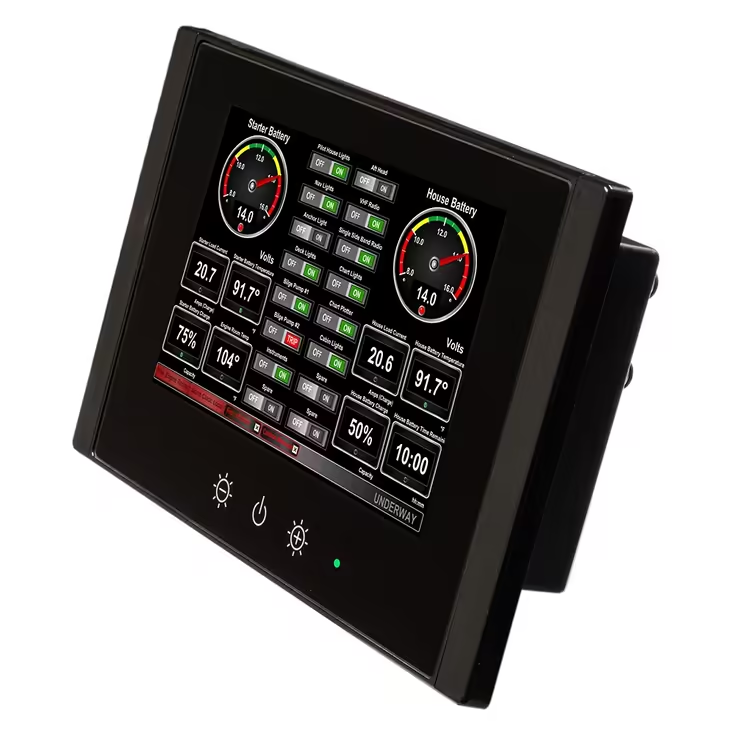
A chartplotter, often sold as a multifunction display, is the hub of a modern helm. It shows your position on electronic charts and can also display sonar, radar, engine data, cameras and more. These are the points to decide before you buy.
Screen size and helm space
Measure the space at your helm first, including depth behind the panel. Small boats often fit 7 to 9 inch screens, mid-size boats 10 to 12 inch, and larger boats 16 inch or more, sometimes in pairs. Bigger screens make split-screen views readable. Look for sunlight-viewable displays with good viewing angles.
Touchscreen, keypad or both
Touchscreens are fast and intuitive in calm conditions. Keypads and rotary controllers are easier when the boat is moving hard or when you wear gloves. Many displays combine both, and some support remote keypads.
Charts and cartography
Check which chart formats the plotter supports and what coverage you need for your waters. Some units include base maps, others need chart cards or subscriptions. Features such as high-resolution bathymetry, auto routing and community-edited data vary by chart provider.
Networking
- NMEA 2000: the standard backbone for sharing engine, GPS, wind, depth and autopilot data.
- Ethernet: brand-specific high-bandwidth networks for radar, sonar modules and sharing charts between displays.
- Wi-Fi and Bluetooth: app connectivity, software updates and phone notifications.
Sensors you can add
A plotter becomes far more useful with a radar, an autopilot, AIS, sonar and engine integration. If you plan to add these later, choose a display from an ecosystem that supports them.
Mounting
Flush mounting gives a clean, protected installation. Bracket mounting is easier and lets you angle or remove the display. Check the cutout dimensions if replacing an existing unit.
Explore our marine displays and marine GPS range, and see NMEA 2000 basics before you plan your network.